Register
Add equipment individually or import an existing register by CSV.
THE ASSET REGISTER MEETS THE PHYSICAL NETWORK
Manage equipment from registration and import through assignment, deployment, audit and transfer—while keeping each device connected to the client, site, user, outlet and physical path it supports.
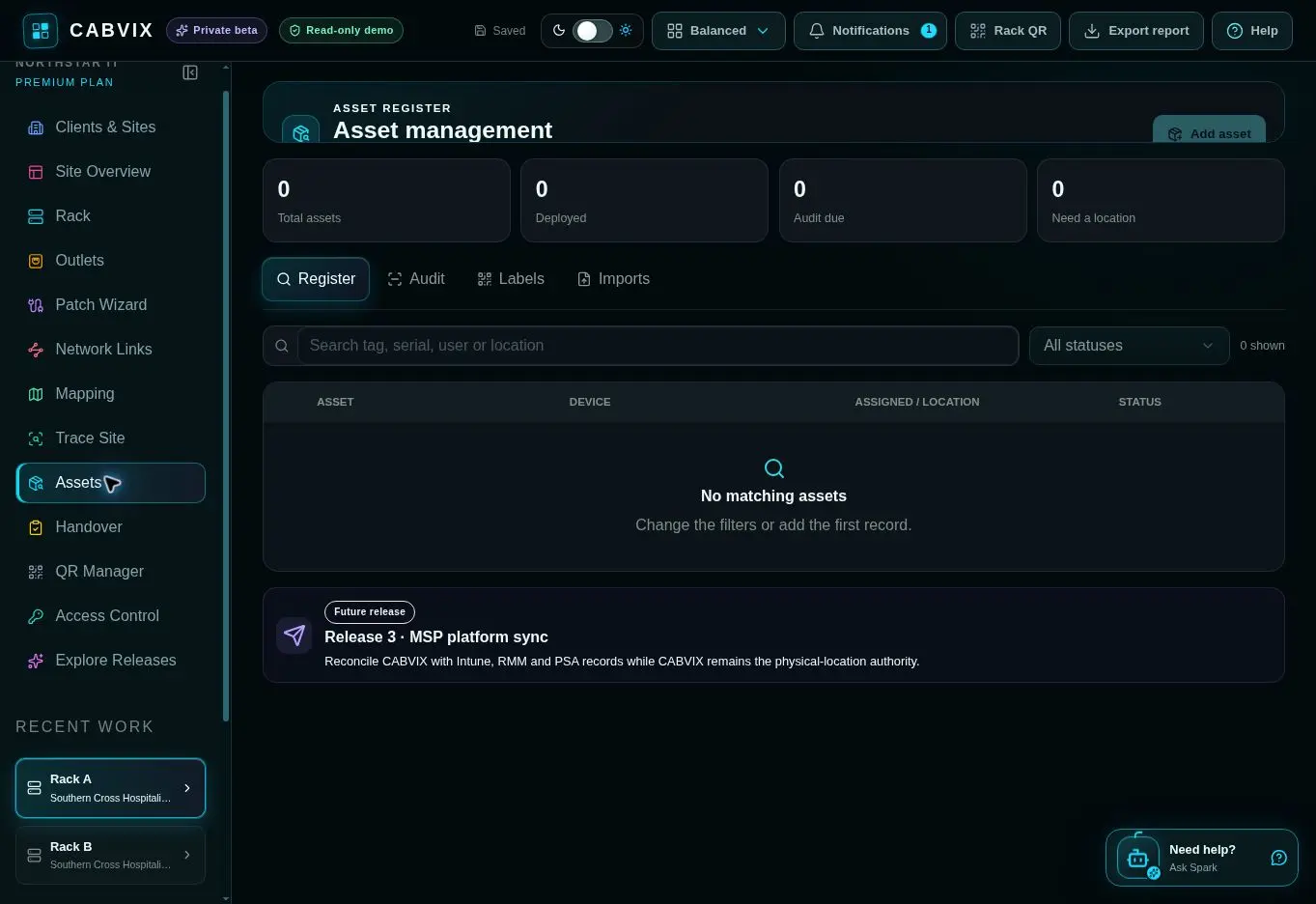
ONE CONTINUOUS ASSET RECORD
A conventional register tells you that an asset exists. CABVIX is designed to show where it is, who or what it is assigned to, and how it relates to the maintained physical network.
Add equipment individually or import an existing register by CSV.
Connect the asset to a client, site, user, outlet or physical location.
Select an existing registered asset when assigning supported hardware, avoiding a second disconnected record.
Use labels and QR-linked records to verify identity, custody and location in the field.
Retain useful lifecycle context when equipment changes user, location or site.
BUILT FOR OPERATIONAL CONTROL
Create new asset records in CABVIX or use CSV import to establish the working register without retyping an existing list.
Record where the asset belongs and who or what it is assigned to, including its relationship to the physical outlet and deployed hardware.
Reuse registered equipment during supported hardware assignment and Patch Wizard workflows so the asset register and network record stay aligned.
Generate labels and QR-linked references that help field teams identify the correct asset and open its maintained CABVIX context.
Run asset audits and preserve lifecycle context as devices change location, user, client or site.
Keep asset activity inside the same protected organisation workspace, permissions model and audit-aware CABVIX environment.
FUTURE RELEASE 3
Planned integrations will reconcile CABVIX with supported Intune, RMM and PSA records while CABVIX remains the authority for physical location and network context.
Presented separately from current capability so the live product and future direction remain clear.
COMMON QUESTIONS
Asset identity and lifecycle context together with the relevant client, site, assigned user, outlet, location and deployed hardware relationship.
Yes. CABVIX includes CSV import for bringing an existing register into the workspace.
No. The intended workflow lets teams select a registered asset during supported hardware assignment so the deployed device and asset record remain connected.
Yes. The current workspace includes Register, Audit, Labels and Imports workflows, including QR-linked asset references.
No. It extends the maintained CABVIX record by connecting asset identity and lifecycle information to physical location, outlet and deployed network context.
No. Those integrations are identified as a future Release 3 direction and will require supported-platform development and testing.
ASSET MANAGEMENT
Join the launch list to be notified when CABVIX subscriptions open.