Racks and equipment
Record rooms, rack units, panels, switches, trays, shelves and installed hardware.
PHYSICAL NETWORK DIAGRAM SOFTWARE
Connect racks, hardware, ports, fibre, outlets and carrier services in one maintained physical record built from what technicians verify on site.
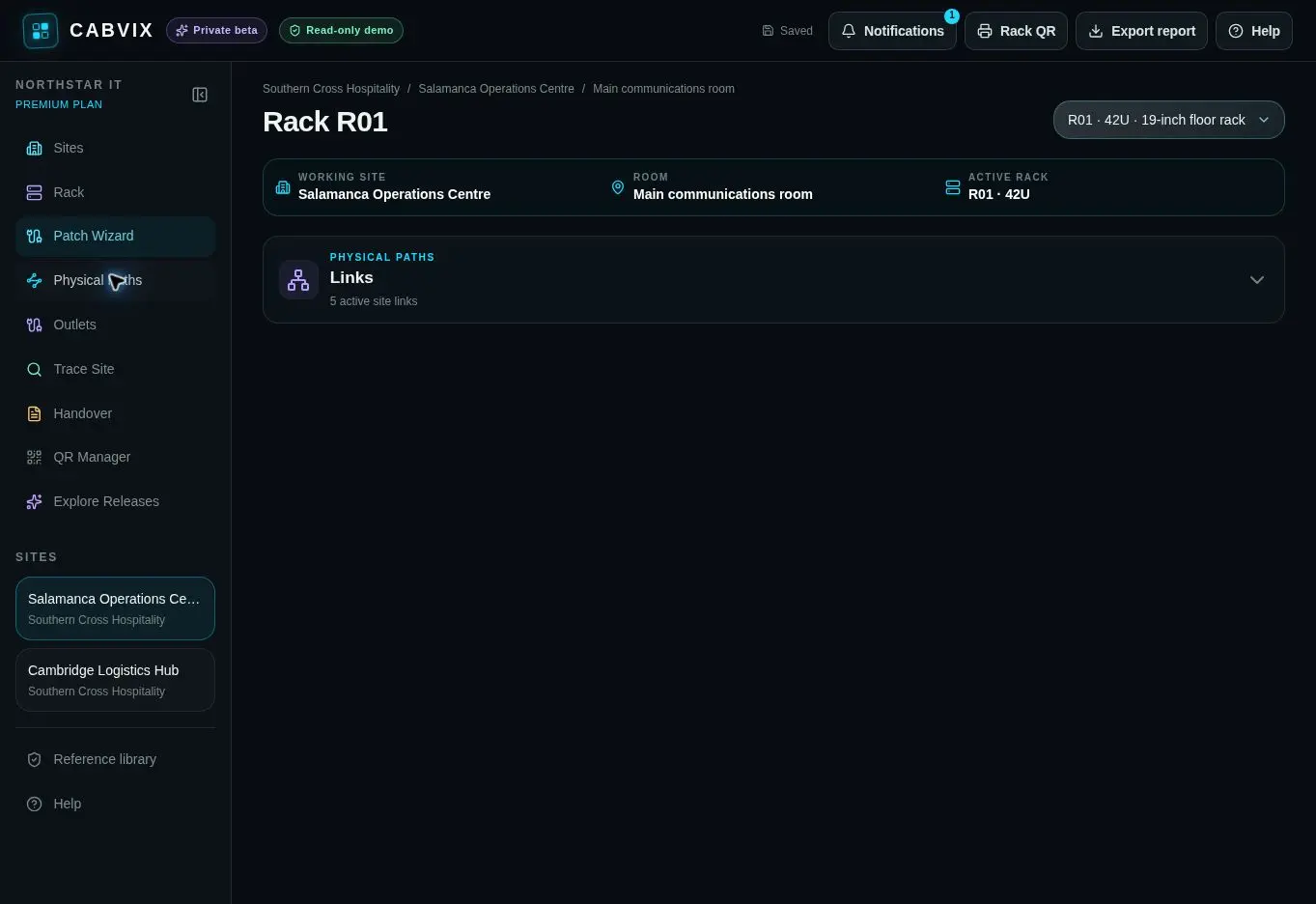
A physical network diagram shows the real cabinets, equipment, ports, outlets and cable routes used by the network. CABVIX keeps those relationships connected to the operational site record.
THE PHYSICAL LAYER IN CONTEXT
Record rooms, rack units, panels, switches, trays, shelves and installed hardware.
Connect patch-panel positions, switch ports, lead colours, PoE, tags and device destinations.
Document wall sockets, inter-rack links, switch uplinks, fibre paths and internet services.
FROM SITE TO PATH
Organise clients, sites, rooms and cabinets around the physical environment.
Create the rack view and identify the equipment and ports present.
Map copper, fibre, uplinks, outlets and internet paths between their real endpoints.
Keep repatching, moves and discovered paths in the maintained record and history.
BUILT TO COMPLEMENT YOUR TOOLSET
Monitoring platforms tell teams what is reachable, active or changing across the logical network.
PSA and ticketing tools coordinate requests, ownership and service activity.
CABVIX records which cabinet, panel, port, lead, outlet and physical path supports the connection.
COMMON QUESTIONS
It records where cabinets, equipment, panels, ports, outlets and cable paths exist and how they are physically connected.
Logical maps focus on addresses, devices and traffic relationships. CABVIX documents the real cabinet, port, cable and outlet path.
Yes. CABVIX supports inter-rack links, switch uplinks, fibre paths and other physical connections.
No. CABVIX is a maintained record built from verified field information, not an automatic logical discovery tool.
Yes. Documented outlet, patch-panel and switch-port assignments provide the physical route through the site.
Yes. CABVIX organises physical records across clients, sites, rooms and racks for teams responsible for distributed infrastructure.
EVERY CABINET. EVERY CONNECTION.