Racks and outlets
Use the same hardware, patching, outlet and physical-path records created during the installation.
STRUCTURED CABLING HANDOVER
Build the handover from live site information while the installation detail, evidence and test results are still in front of the team.
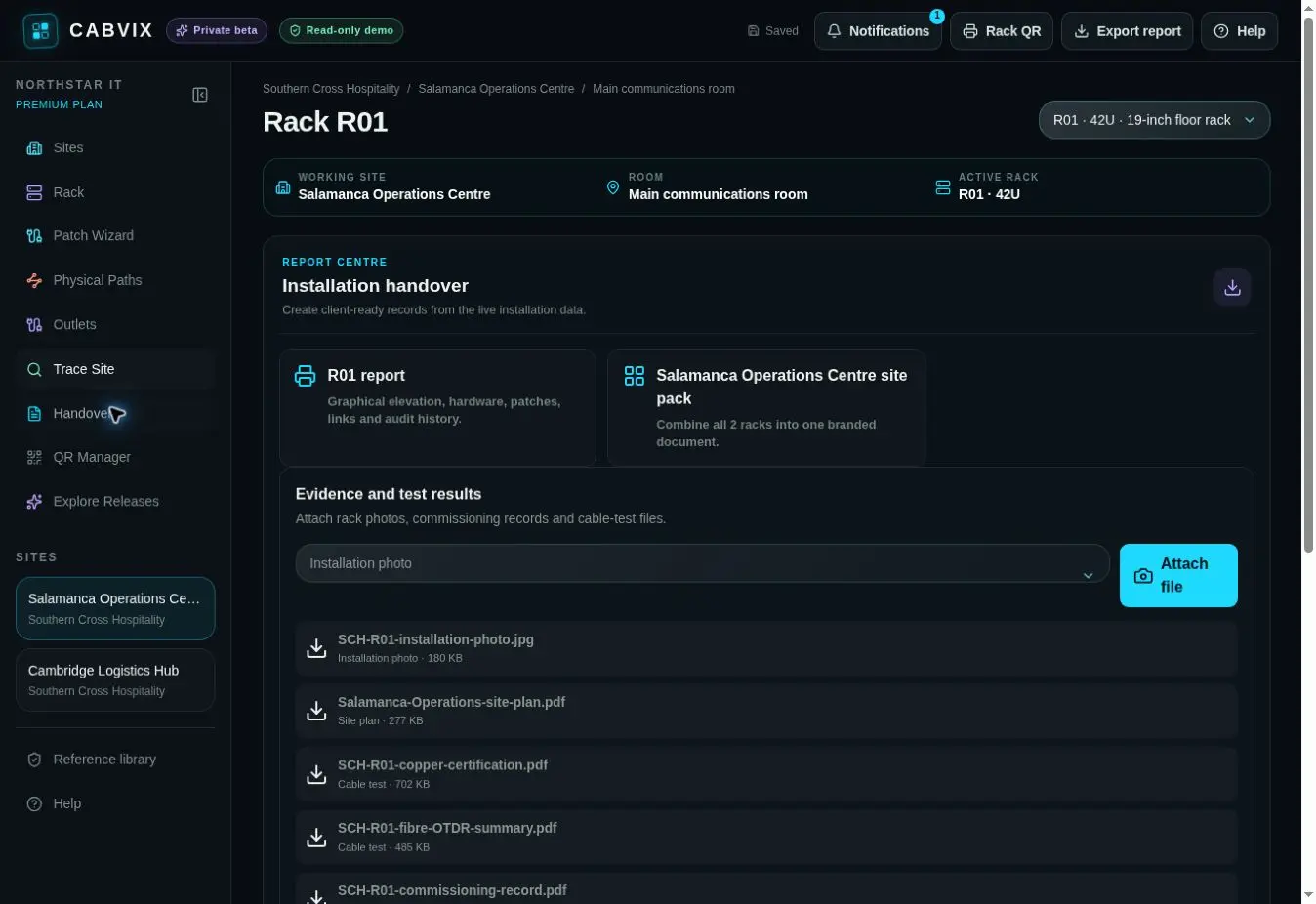
A structured cabling handover connects rack and outlet records with labels, physical paths, evidence, test results and commissioning close-out information.
FROM FIELD WORK TO HANDOVER
Use the same hardware, patching, outlet and physical-path records created during the installation.
Keep cable-test results, photos and supporting evidence alongside the site record.
Work through handover and close-out information before the installation leaves the field team.
HANDOVER FLOW
Record racks, equipment, panels and outlets.
Connect ports, outlets and physical routes.
Attach tests, photos and commissioning detail.
Leave an operational record for the client team.
COMMON QUESTIONS
Installation Handover includes evidence attachments and cable-test result records alongside live site information.
No. CABVIX organises records and evidence but does not replace required testing, certification or regulatory obligations.
Yes. Outlet Manager supports individual socket and patch-position records within the site workflow.
Authorised customer, infrastructure and service teams can use the browser or mobile workspace after handover.
HAND OVER MORE THAN A PDF