No public rack record
Scanning identifies the rack but does not disclose infrastructure to an unauthorised visitor.
RACK QR ACCESS
Connect the cabinet to its protected CABVIX record while keeping the owner in control of who can see or change information.
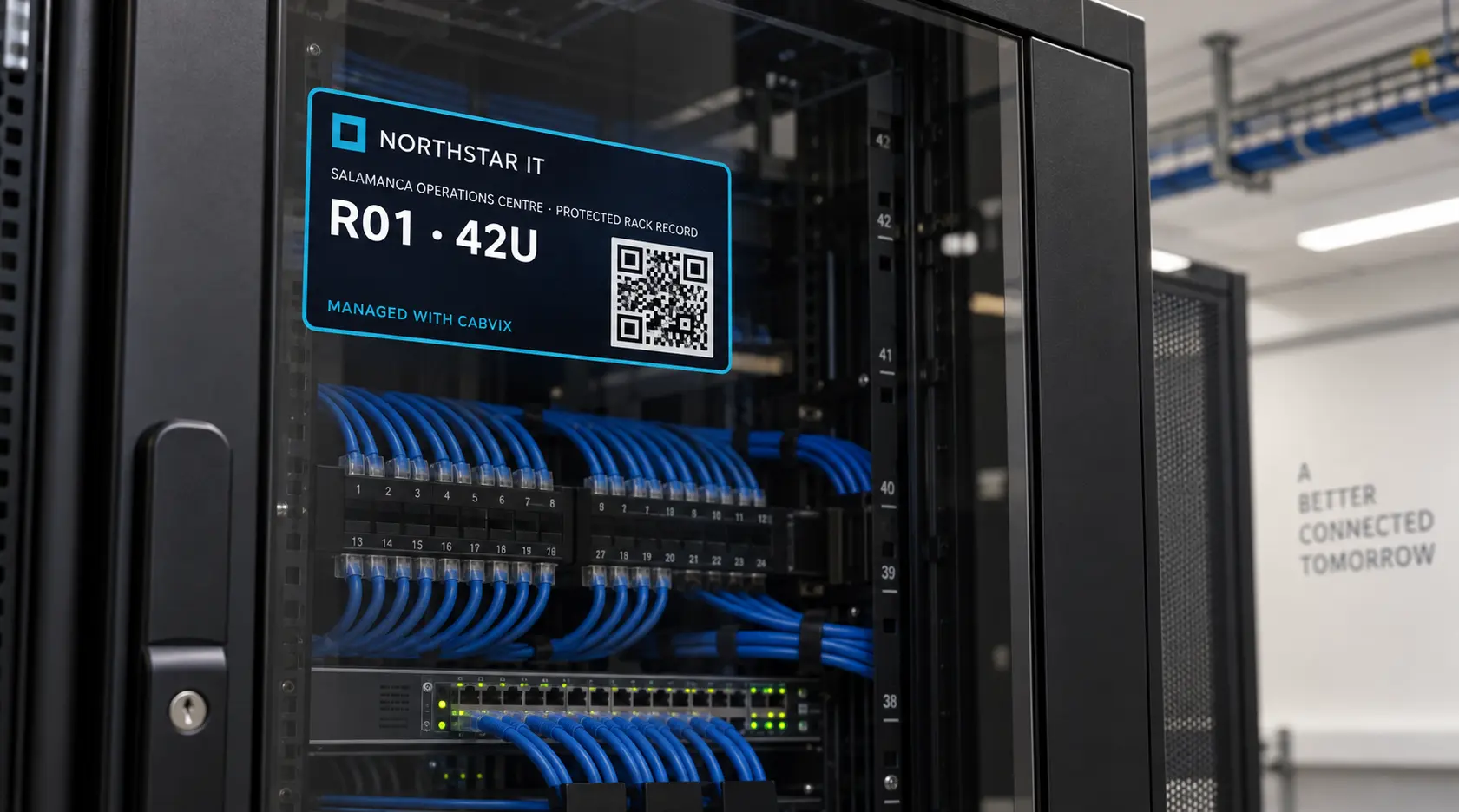
A CABVIX Rack QR code identifies a protected rack record. People without access request approval; the code does not make customer infrastructure public.
CONTROLLED AT THE CABINET
Scanning identifies the rack but does not disclose infrastructure to an unauthorised visitor.
The requester signs in or creates a free contractor login, then supplies name, company and reason.
The owner selects exact clients, sites and racks, the authority level, permissions and expiry.
TEMPORARY ACCESS FLOW
Open the protected rack entry point.
Sign in and explain who needs access and why.
The owner chooses records, permissions and expiry.
Extend or revoke the grant from Access Control.
COMMON QUESTIONS
No. A person without access enters an approval-request flow instead of seeing the protected infrastructure record.
Yes. Access can have an exact expiry and can also be extended or revoked by an authorised owner.
Approved temporary contractor access does not consume a paid internal-user seat under the planned launch structure.
The managed 90 × 50 mm label layout supports an organisation logo while retaining CABVIX record identification. Download and local printing are current; physical print fulfilment is planned.
THE RECORD AT THE RACK